
Helicopter 2022
Vi fick flyga 1h helikopter med Kallax Flyg, ägaren själv som flög. Riktigt fint väder hade vi också. Tror vi alla tre gillade det lika mycket. Pite-Långnäs -> Boden -> Luleå-> Piteå -> Pite-Långnäs https://youtu.be/ppNaGJbRQbc
Vi fick flyga 1h helikopter med Kallax Flyg, ägaren själv som flög. Riktigt fint väder hade vi också. Tror vi alla tre gillade det lika mycket. Pite-Långnäs -> Boden -> Luleå-> Piteå -> Pite-Långnäs https://youtu.be/ppNaGJbRQbc
Short tutorial how to enable 2FA/OTP (ex. Google Authenticator) when logging in via SSH or in my case mainly ThinLinc Terminal Sessions. If you haven’t set up NTP or some other time sync now is the “time”, since OTP is dependent on correct clocks. 1. Install google-authenticator sudo apt install libpam-google-authenticator 2. Configure sshd Edit file /etc/ssh/sshd_config ... # Change to yes to enable challenge-response passwords (beware issues with # some PAM modules and threads) KbdInteractiveAuthentication yes ... 3. Configure PAM Edit the file /etc/pam.d/common-auth and add these two lines at the bottom. ...
Ormberget/Serpent Hill - Kraiten I’m not comfortable when it comes to jumps, decided to session some small jumps. Small progression, obviously more training is needed but happy there’s a difference. https://youtu.be/t7wsjptdArE

Storforsen and the trails around the rapid and nature reserve. Some bits and pieces from that trip. https://youtu.be/i7gGryoq7OM
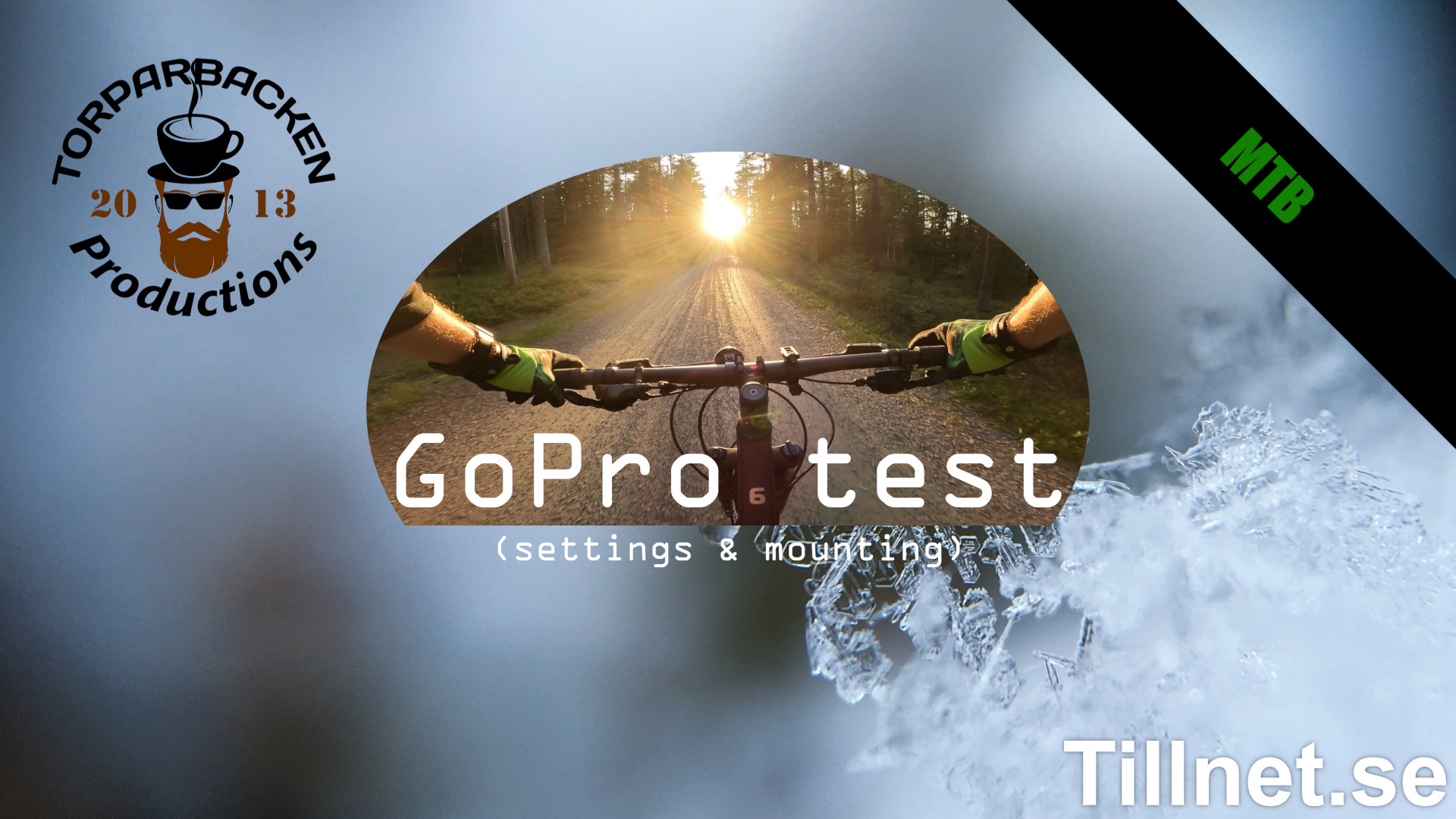
Trying out different settings on GoPro Hero 10. MTB from Ormberget “Serpent Hill” in Luleå. Nya Skogsmaskinen (Övre Skogsmaskinen + Nedre Skogsmaskinen) Kraiten (I’m bad at these kind of trails) Some random trails on the way home. Settings I ended up with. 4k 24fps SuperView Hypersmooth - Boost Bitrate - High Shutter - Auto WB - 5500k ISO min 100 max 6400 EV Comp -0.5 Sharpness - Med Color - Natural Raw Audio - Off Wind - Off ...
This short “guide” starts after a fairly default Ubuntu 20.04 LTS (server/headless) is setup. There are a lot of good guides but all the one’s I looked at missed one step that took me hours to figure out. Start by adding repo and key for future updates to work with apt. echo deb https://downloads.plex.tv/repo/deb public main | sudo tee /etc/apt/sources.list.d/plexmediaserver.list curl https://downloads.plex.tv/plex-keys/PlexSign.key | sudo apt-key add - Download the latest .deb, check https://plex.tv to get correct url. ...

YouTube Video on HowTo make coffee and start your day. https://youtu.be/J7LENsbBfoI
Everyone needs a monitor system, right? Disclaimer or Scope/Intention This is how I did it. Short guide, more or less for myself so I won’t forget. If Linux/Ubuntu/Apache/SSL-certs is new territory for you this isn’t the guide you were looking for, sorry. Some steps and detailed explanations are omitted. Also never run cmds you don’t trust and know what they do. What I used Machine: VM in Vmware vSphere, 2vCPU, 4GB RAM, 32GB disk. OS: Ubuntu Server 20.04 LTS Free OpenSource (https://ubuntu.com/download/server) WebApp: Zabbix 6.0 Free OpenSource (https://zabbix.com) SSL cert: I used Let’s Encrypt for my cert and key. ...
The problem is that VMWare by default doesn’t provide information needed by udev to generate /dev/disk/by-id entries. Apart from ESX, VMWare Workstation is also affected. The resolution is to put disk.EnableUUID = "TRUE" to the virtual machine definition, i.e. into the *.vmx file or via Edit Settings -> Options tab -> General -> Configuration Parameters in ESX UI. After rebooting VM with this parameter set, the disk are visible in /dev/disk/by-id and multipathd doesn’t complain anymore. I had to power off the VM, and then go to Edit Settings -> VM Options -> Advanced -> EDIT CONFIGURATION.

Set TimeZone: sudo timedatectl set-timezone Europe/Stockholm Set NTP. Edit timesyncd.conf: sudo nano /etc/systemd/timesyncd.conf Add NTP-server(s): NTP=ntp.se Close and Save, Ctrl+X, Y, Enter. Restart service, check status: sudo systemctl restart systemd-timesyncd sudo systemctl status systemd-timesyncd