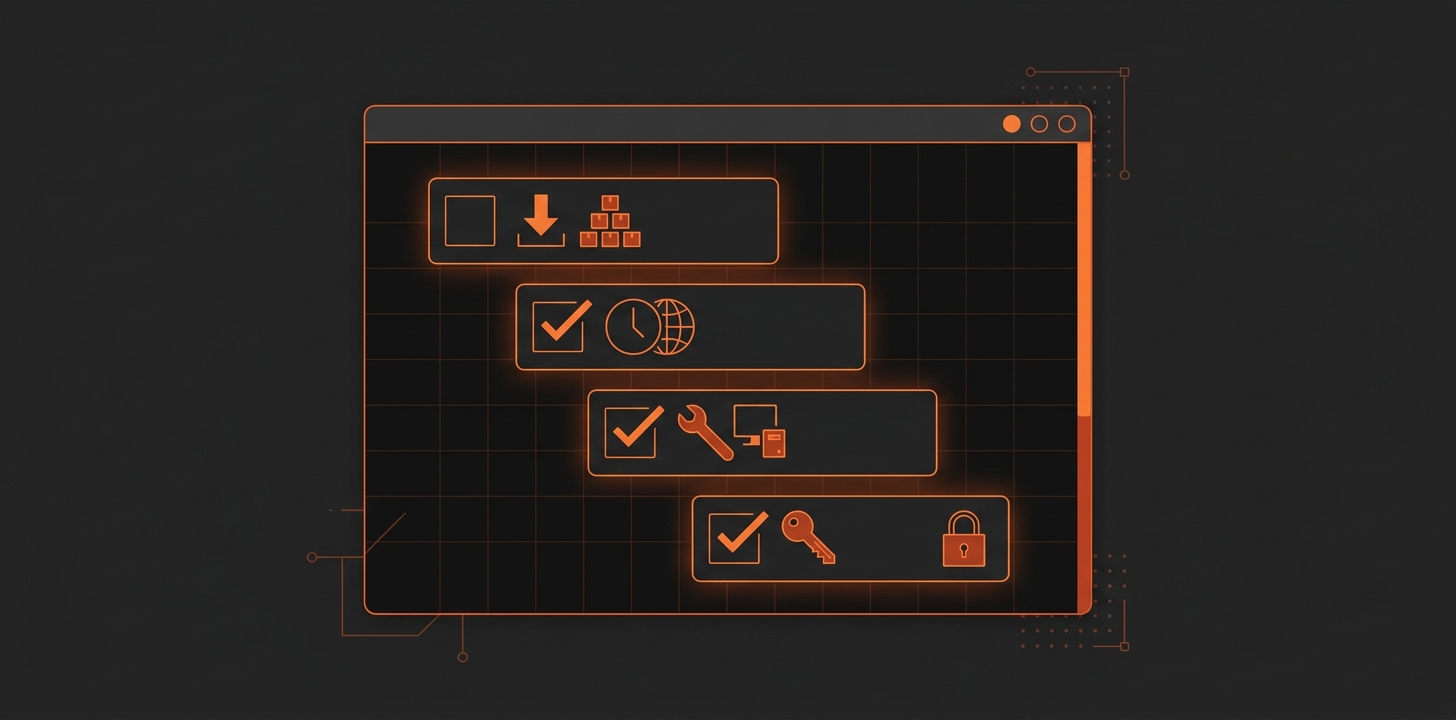
Illustration of a terminal window with a checklist of setup steps: download, time sync, guest tools and SSH keys

Ubuntu-vm-bootstrap

Every new Ubuntu VM on the XCP-ng pool needed the same post-install housekeeping — updates, timezone, NTP, guest tools, a few baseline packages — done by hand, every time. Instead of repeating that checklist again, I put together a bash script that does it in one pass and only touches the system when told to. https://github.com/tobiastillstam/Ubuntu-vm-bootstrap Post-install housekeeping for a freshly installed Ubuntu VM. Detects current state and reports it; only changes anything when --fix is given (always previewable via --dry-run). ...

2026-09-19 · 2 min · Tobias Tillstam
Omarchy logo in green pixel lettering

Omarchy on VMware

Background I wanted to try Omarchy and as per usual I installed it as a VM before committing to running it on my hardware. However I ran into some problems, it took me avail to figure it out. Thought I’d write it down for myself and perhaps for those with the same problem. Root Cause The root cause is that VMware dosen’t provide the grahics that Omarchy expects and can automatically handle. This gives you a desktop/GUI that’s non functional. ...

2025-10-17 · 2 min · Tobias Tillstam
Laptop screen showing a disk partitioning tool

Extend root partition, Ubuntu 24.04 LTS

This applies to different scenarios but perhaps most common is a virtual machine which needs more disk space. This guide assumes you have extended the disk in your hypervisor. This guide is for non LVM, if you’re running lvm check this post instead. Check disk by listing them with: fdisk -l Partition size by running: df -h If the new size isn’t listed/shown, we have to scan for changes: ls /sys/class/scsi_device/ ...

2025-09-29 · 1 min · Tobias Tillstam
Laptop screen showing a disk partitioning tool, with the text lvm

Extend root partition, Ubuntu 24.04 LTS, LVM

This applies to different scenarios but perhaps most common is a virtual machine which needs more disk space. This guide assumes you have extended the disk in your hypervisor. Check disk by listing them with: fdisk -l Partition size by running: df -h If the new size isn’t listed/shown, we have to scan for changes: ls /sys/class/scsi_device/ Example output could be: 2:0:0:0 3:0:0:0 32:0:0:0 The scan all devices individually: echo 1 > /sys/class/scsi_device/2\:0\:0\:0/device/rescan echo 1 > /sys/class/scsi_device/3\:0\:0\:0/device/rescan echo 1 > /sys/class/scsi_device/32\:0\:0\:0/device/rescan ...

2025-09-29 · 2 min · Tobias Tillstam
Illustration of a red rocket launching, next to the text xe-guest-utilities

XCP-ng, install "xe-guest-utilities" from repo

RHEL9 dnf install https://dl.fedoraproject.org/pub/epel/epel-release-latest-9.noarch.rpm -y dnf install xe-guest-utilities-latest -y systemctl enable --now xe-linux-distribution Ubuntu 24.04 LTS apt install xe-guest-utilities systemctl start xe-daemon systemctl enable xe-daemon

2025-04-28 · 1 min · Tobias Tillstam

RHEL 9.5 NTP & TimeZone

Set TimeZone: sudo timedatectl set-timezone Europe/Stockholm Set NTP pool to be usesd. Edit /etc/chrony.conf. Look for and change the line “pool…” to “pool ntp.se iburst”. sudo nano /etc/chrony.conf pool ntp.se iburst Control+O Enter Control+X Restart chrony service and check it’s status: sudo systemctl restart chronyd sudo systemctl status chronyd

2025-04-28 · 1 min · Tobias Tillstam

TimescaleDB add to existing PostgreSQL, Zabbix 7.0 LTS and Ubuntu 24.04 LTS

This is how I added TimescaleDB to my PostgreSQL-server and enabled it on my existing Zabbix database. I found alot of helpful artikels and reference material at initMAX ( https://www.initmax.com/ ), which made everything easier. In short this is my setup. Three servers running Ubuntu 24.04 LTS, one for Zabbix server, another for Zabbix frontend and lastly a PostgreSQL(v16) server. We will be working almost exclusively on the Postgres server and the other two just to stop and start the services when we enable TimescaleDB. ...

2025-03-19 · 2 min · Tobias Tillstam

Encrypt communication between Zabbix Agent2 and Zabbix Server 7.0 LTS with PSK

These instructions are for Ubuntu 24.04 LTS but would work on other versions and flavours with some modifications. We’ll start on the client side. Open a terminal or connect via SSH. Either prefix all commands with sudo or run sudo su -, just remember to exit after you’re done. First install the agent, skip if it’s already installed. wget https://repo.zabbix.com/zabbix/7.0/ubuntu/pool/main/z/zabbix-release/zabbix-release_latest_7.0+ubuntu24.04_all.deb dpkg -i zabbix-release_latest_7.0+ubuntu24.04_all.deb apt update apt install zabbix-agent2 zabbix-agent2-plugin-* systemctl enable zabbix-agent2 Generate PSK-key and write it to file. ...

2025-03-18 · 2 min · Tobias Tillstam

OTP challenge SSH/ThinLinc on Ubuntu 22.04

Short tutorial how to enable 2FA/OTP (ex. Google Authenticator) when logging in via SSH or in my case mainly ThinLinc Terminal Sessions. If you haven’t set up NTP or some other time sync now is the “time”, since OTP is dependent on correct clocks. 1. Install google-authenticator sudo apt install libpam-google-authenticator 2. Configure sshd Edit file /etc/ssh/sshd_config ... # Change to yes to enable challenge-response passwords (beware issues with # some PAM modules and threads) KbdInteractiveAuthentication yes ... 3. Configure PAM Edit the file /etc/pam.d/common-auth and add these two lines at the bottom. ...

2024-09-20 · 3 min · Tobias Tillstam

Plex Media Server on Ubuntu 20.04 LTS

This short “guide” starts after a fairly default Ubuntu 20.04 LTS (server/headless) is setup. There are a lot of good guides but all the one’s I looked at missed one step that took me hours to figure out. Start by adding repo and key for future updates to work with apt. echo deb https://downloads.plex.tv/repo/deb public main | sudo tee /etc/apt/sources.list.d/plexmediaserver.list curl https://downloads.plex.tv/plex-keys/PlexSign.key | sudo apt-key add - Download the latest .deb, check https://plex.tv to get correct url. ...

2022-05-10 · 1 min · Tobias Tillstam