Certificates expire on schedule, and the renewal usually lands on a Friday afternoon. Then the requests pile up. The load balancer wants PEM. The appliance wants a key without a password. A Tomcat that has run untouched since Java 8 wants a JKS. A Server 2016 box rejects your PFX with “wrong password”. The password is fine. Server 2016 just can’t open AES-encrypted PFX files.
Cert-Toolset handles all of these with tools that come with Windows: certreq, CertEnroll and .NET. You don’t need OpenSSL on the server or Java on the machine that makes the export.
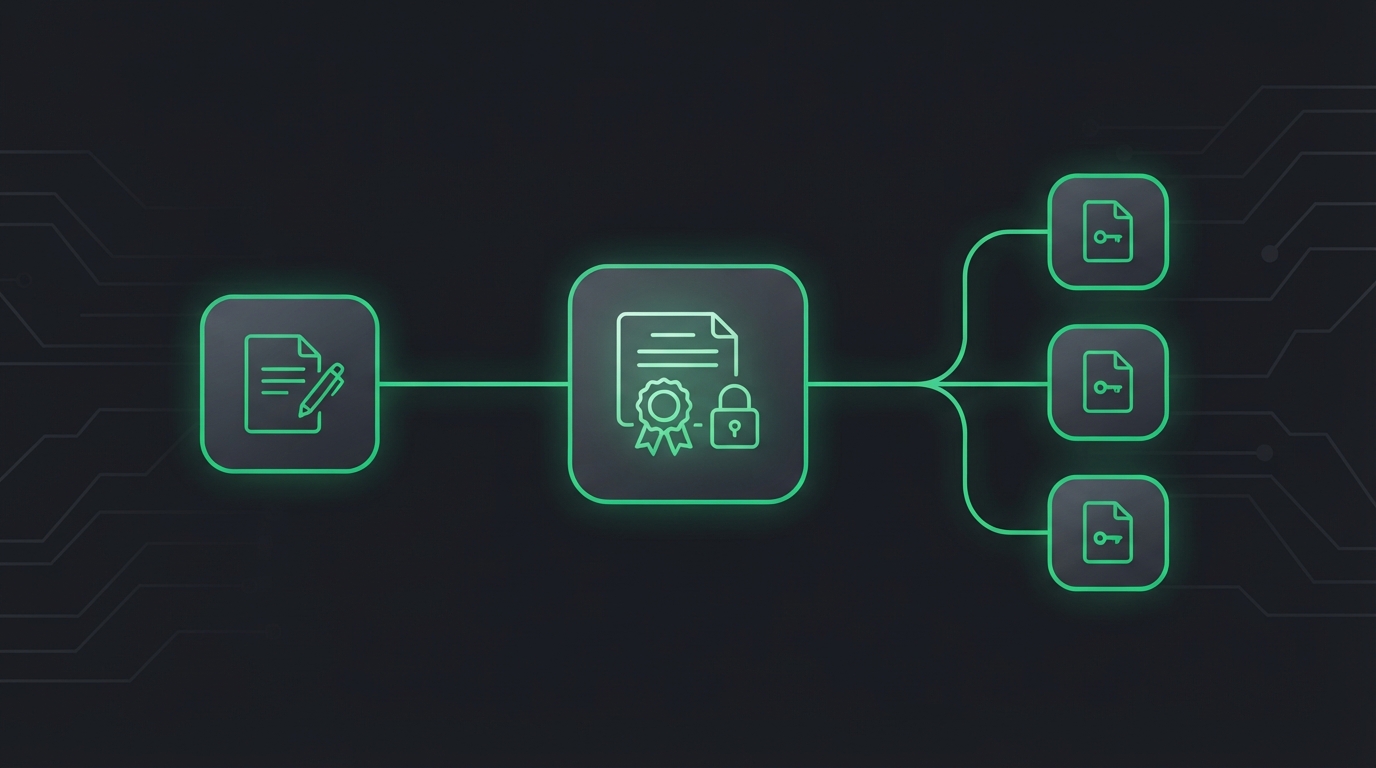
CSR in, PFX, PEM or JKS out. Every format, no extra tools.
What it does
- Request. Builds the CSR for an FQDN, wildcard or IP address, with extra DNS and IP SANs. The private key stays on the machine, pending, until the CA answers.
- Check. Reviews the CSR before the CA does: key size, hash, SANs, Key Usage, EKU, Subject and signature. It runs without admin rights and gives a clear PASS or FAIL.
- Complete. Installs the CA’s reply (single cert, full chain,
.p7b, whatever arrives), adds missing intermediates and checks that the chain is trusted. It doesn’t install a root CA unless you ask. - Export. PFX, PEM, JKS or any combination, now or months later. Renewals land in the same folder as the previous certificate.
Quick start
# 1. Request (wildcard + apex, plus an IP SAN)
.\New-CertRequest.ps1 -CommonName '*.contoso.com' -DnsName 'contoso.com' -IpAddress '10.0.0.20'

# 2. Check it
.\Test-CertRequest.ps1 -Path .\Requests

# 3. After the CA replies: put the file in .\Responses, then
.\Complete-CertRequest.ps1 -ExportPfx -ExportPem
Things it refuses to do
- Take your password as a parameter. It asks for it in a dialog, so it never ends up in transcripts, shell history or the process list.
- Encrypt with old ciphers by default. It uses AES unless you’re exporting for something too old to read it. For those, TripleDES is one config line away, and the log warns you when it’s needed.
- Make changes without asking. Every script supports
-WhatIfand-Confirmand writes a transcript.
Is it for you?
Yes, if you manage certificates on Windows Server and you’ve ever needed one certificate in three formats on the same day. It needs Windows PowerShell 5.1 or PowerShell 7 on Windows, and an elevated session for everything except the CSR check. MIT licensed.