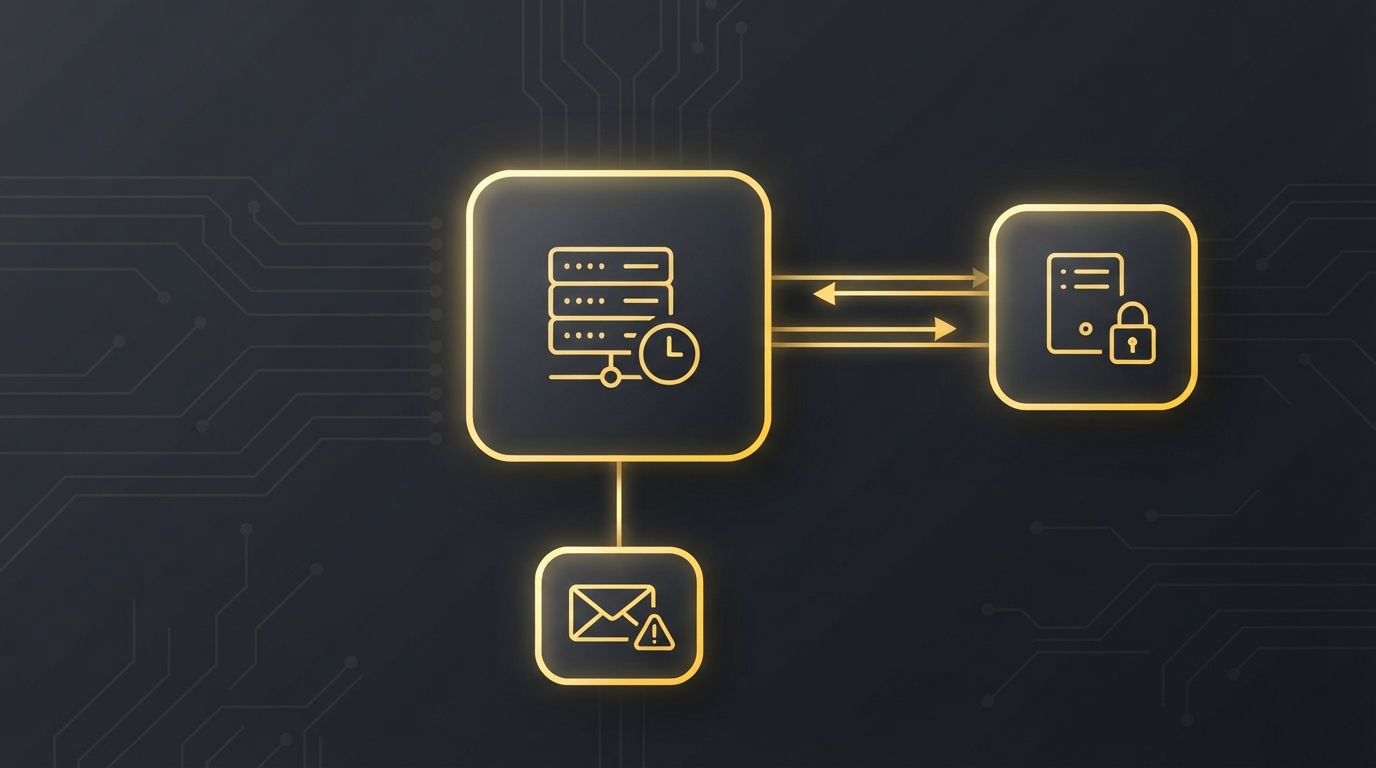
Somewhere, a CSV file has to move from a server you don’t control to a folder you do, every night at 03:00, for years. It usually starts as a one-off script on one server. Then it gets copied to a second server and tweaked, and a third. Eventually nobody remembers which copy runs where or whose password is in it.
This toolset replaces those copies. You fill in a form, it creates the scheduled task, and every task gets its own credentials and logs.
Set it up once, then forget about it. It emails you if it fails.
What it does
- Both directions. Download from an SFTP server, upload to one with a local archive of what was sent, or both.
- A real GUI. A Create tab to set up tasks and a Manage tab to list, run, edit or remove them. It elevates itself when it needs admin rights.
- Your choice of authentication. A DPAPI-encrypted credential file, an ACL-restricted config file, or an SSH key. For tasks that run as SYSTEM, the SSH key is the best option because no password is stored anywhere.
- Guardrails. The GUI blocks combinations that can’t work, such as a SYSTEM task with a credential file that only your account can decrypt.
- Email on failure. When a transfer fails or only partly succeeds, you hear about it before the person waiting for the file does.
Quick start
- Put the four
.ps1files in one folder. - Right-click
Install-SftpTask.GUI.ps1and choose Run with PowerShell. - Fill in the host, paths, file mask and schedule, then click Create Task.
If you prefer the command line, Install-SftpTask.ps1 takes the same settings as parameters and supports -WhatIf.
The full story is in the release post.
Is it for you?
Yes, if you have files that need to move by SFTP on a schedule from Windows, and you want something tidier than a script that has been copied from server to server. It needs Windows PowerShell 5.1+ and the WinSCP .NET assembly (Install-Module WinSCP installs it). MIT licensed.