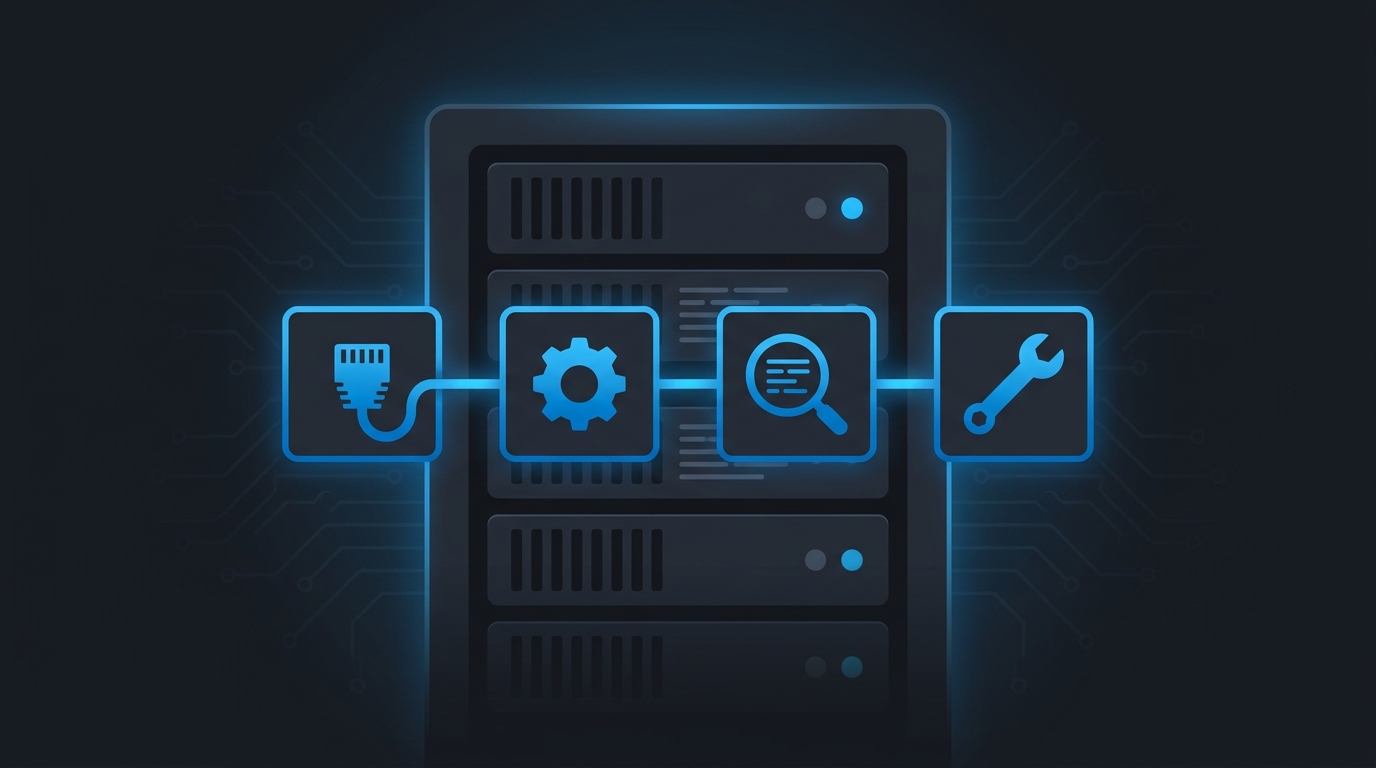
A batch of Windows Server 2025 machines, all deployed from the same image, started failing the latest cumulative update with 0x80073712. The network was fine and the update client was fine. DISM /RestoreHealth didn’t help, because the real problem was a corrupt en-gb language pack baked into the golden image. Finding that took far longer than it should have. So I built a toolset that works the problem in a fixed order and points at the actual cause instead of sending you round a blind repair loop.
github.com/tobiastillstam/WU-Troubleshooter
A PowerShell toolset for troubleshooting Windows Update on Windows Server 2025. It works the problem in the order that actually isolates it: wire → client → errors → repair.
It works with both online Windows Update and WSUS-managed servers. The update source is auto-detected from the policy registry keys, so a WSUS box reports a clean result instead of false connectivity failures.
Quick start
git clone https://github.com/tobiastillstam/WU-Troubleshooter.git
cd WU-Troubleshooter
Get-ChildItem *.ps1 | Unblock-File

# from an elevated prompt – runs everything into .\logs\WUDiag_<timestamp>\
.\Invoke-WUDiagnostics.ps1
What’s in it
- Test-WUOnlineConnectivity.ps1 (the wire). It runs DNS, TCP, TLS and proxy-aware HTTP checks against the documented Microsoft endpoints, over both the direct and proxy paths. A non-Microsoft certificate issuer is flagged as likely SSL inspection, which breaks WU’s certificate pinning.
- Test-WULocalClient.ps1 (the client). It checks services, the SYSTEM-context proxy, the update source and policy, and common blockers such as a pending reboot, disk space, TLS and time. It also covers BITS, the datastore, update history and event logs, with an optional live scan.
- Get-WUErrors.ps1 (the errors). It decodes the WU ETL logs, filters out benign noise, groups failures by HRESULT and adds known-issue hints. It also has a per-update timeline mode and a CBS component-store corruption scan.
- Invoke-WUDiagnostics.ps1 (the orchestrator). It runs all three in order into one timestamped folder and writes a combined summary.
- Read-only by default. Repairs only run when you pass their switch: service fixes, the WinHTTP proxy import, the SoftwareDistribution reset and DISM/SFC. Every repair can be previewed with
-WhatIf. - Consistent output. Each check reports PASS, WARN, FAIL or INFO. Every script writes a transcript to a
logsfolder and returns objects you can capture for further processing.
Requires Windows PowerShell 5.1 or later and an elevated session. It also runs on Windows 10, Server 2016+ and Windows 11 24H2. MIT licensed.